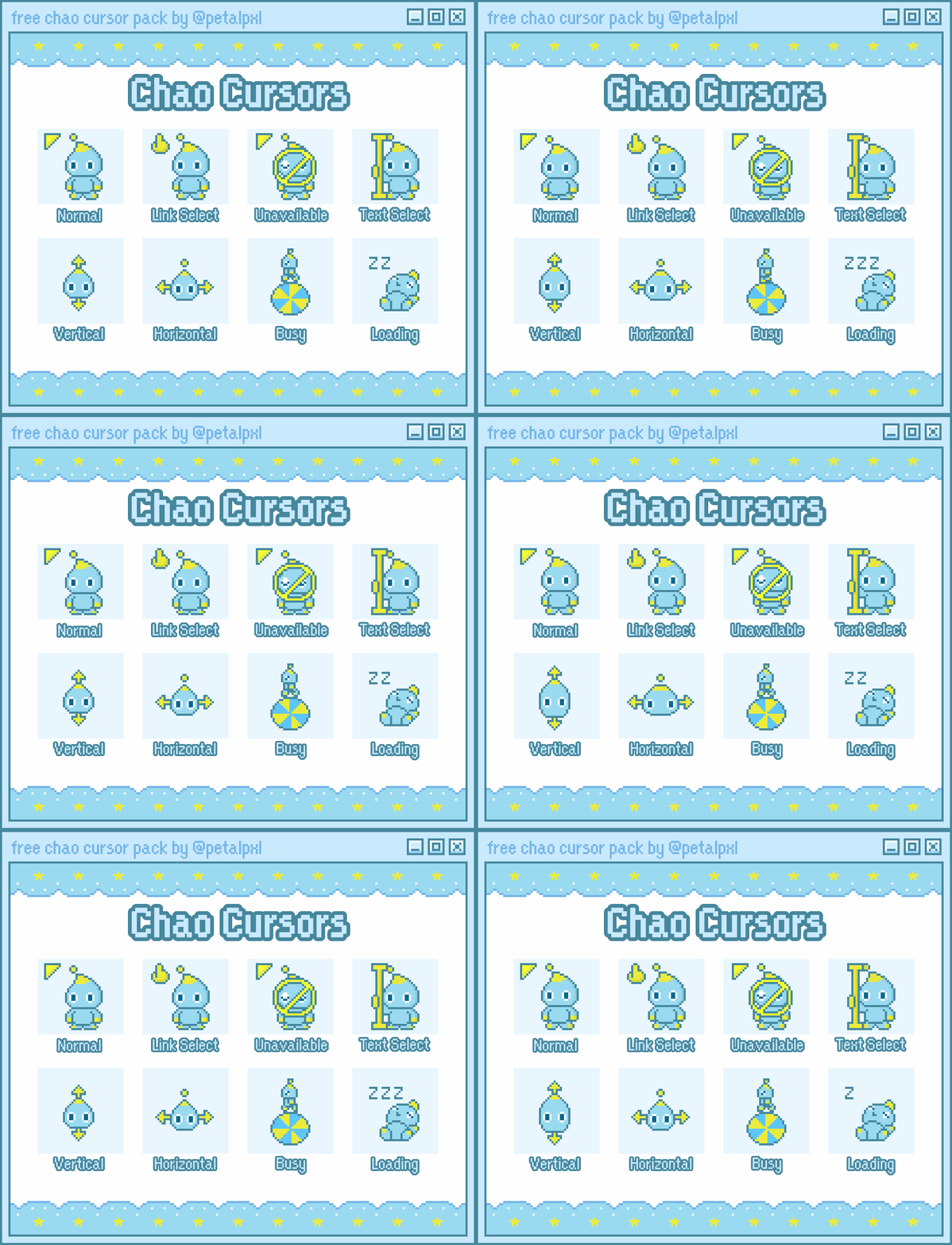
Chao Cursor Pack
A downloadable project
Free download 🩵
Works on Windows only (.ani file)
Enter the Chao Garden every time you turn on your computer 🌴 ☀️
Download
Install instructions
To install the cursors on your PC, follow these steps:
1) Go to Mouse Settings (Settings > Bluetooth & devices > Mouse)
2) Under Related Settings, open Additional Mouse Settings
3) In the Mouse Properties window, go to the Pointers tab
4) Upload your cursors under Scheme and give your set a name
5) Press Apply, and you're done!
Leave a comment
Log in with itch.io to leave a comment.